Online Banking
Manage your finances anytime, anywhere. Access real-time account balances, pay bills, transfer funds, and more—all from the comfort of your home or on the go.

Bank Smart, Wherever You Are
Lake Ridge Bank’s online banking gives you the freedom, security, and control to manage your money—anytime, anywhere.

24/7 Access
Bank on your schedule, wherever life takes you.
Better Money Management
Bank on your schedule, wherever life takes you.
Fewer Fees
Avoid late payments with easy online bill tools.
Peace Of Mind
Set alerts and go paperless for added security.
Stay Credit-Savvy
Monitor your credit score without hurting it.
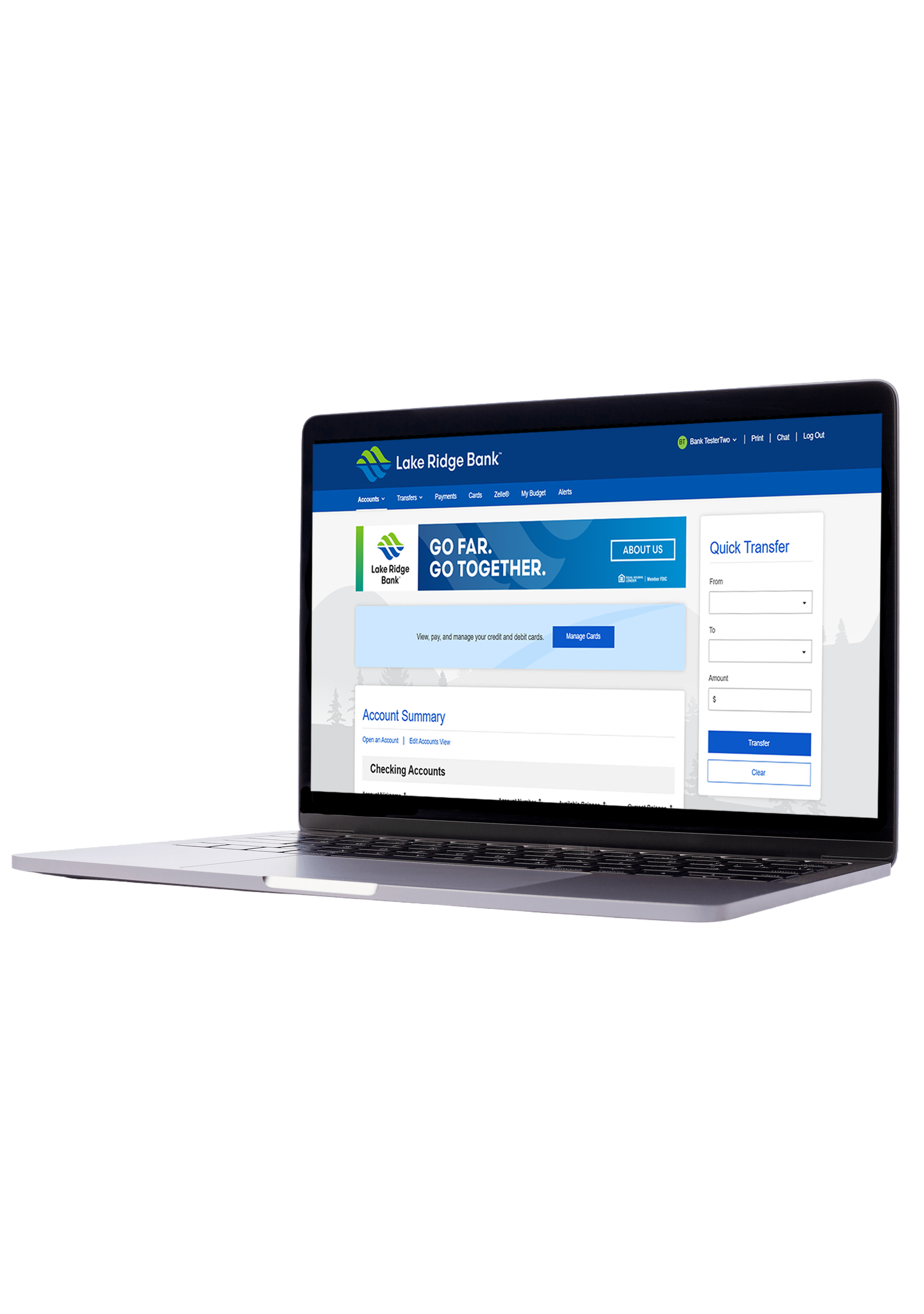
Everything You Need At Your Fingertips

Account Alerts
Get real-time alerts to track balances, spot unusual activity, and stay in control. To sign up, log in to your account and select “Alerts” at the top of your screen. Then, choose the updates you’d like to receive

EDocuments
Access statements and notices online—securely, instantly, and without the paper clutter. To enroll, log in to your account, go to the Accounts tab, and select eDocument preferences.

External Transfers
Move money securely between your Lake Ridge Bank accounts and your accounts at other U.S. financial institutions.

Zelle®
Send and receive money in minutes with Zelle using just an email or U.S. mobile number. To sign up, log in to your account, go to Bill Pay and enroll. Once enrolled, you’ll select “Send Money with Zelle.”
Bill Pay
Pay all your bills in one secure place. Schedule payments, set up eBills, and avoid late fees with ease.

Personal Finance Manager
Track spending, set savings goals, and build a budget that works for you. Access powerful tools to take control of your finances.

Credit Sense
View your credit score anytime without impact, get alerts on changes, and see personalized tips to improve your score.
Fraud Protection
Monitor your accounts and get real-time alerts to catch suspicious activity early and keep your finances safe.
Frequently Asked Questions
Is my information secure when using Zelle?
How to get started with Zelle® in our mobile app?
- Enroll or log in to Mobile or Online Banking
- Select “Zelle®”
- Accept Terms and Conditions
- Select your U.S. mobile number or email address and deposit account
I’m unsure about sending money to someone I don’t know. What should I do?
What are some simple tips to ensure your money sent safely?
- Know who you are sending money to – Only use Zelle® to send money to friends, family, and other people you trust.
- Verify that your recipient’s name, U.S. mobile phone number and email address are correct before sending money.
- Be Aware – If a payment situation feels off, it probably is. Trust your get and investigate before sending money.
Do you offer a budgeting tool?

Meet Your Banker: Ophelia Bailly

Making Banking Easier: Control Spending and Protect Against Fraud By Using Virtual Cards

7 Money Moves Every Business Owner Should Consider Before Year End