Announcement Indicator

Online Lending Applications Temporarily Down
Our commercial, consumer loan, and credit card online application systems are currently experiencing technical issues and are temporarily unable to accept applications. While we work to restore service, please contact your banker for assistance with completing your application. We apologize for the inconvenience and appreciate your patience.

Online Banking

Manage your finances anytime, anywhere. Access real-time account balances, pay bills, transfer funds, and more—all from the comfort of your home or on the go.

Lake Ridge Bank Logo Top

Bank Smart, Wherever You Are

Lake Ridge Bank’s online banking gives you the freedom, security, and control to manage your money—anytime, anywhere.

Checkmark

24/7 Access

Bank on your schedule, wherever life takes you.

Checkmark

Better Money Management

Bank on your schedule, wherever life takes you.

Checkmark

Fewer Fees

Avoid late payments with easy online bill tools.

Checkmark

Peace Of Mind

Set alerts and go paperless for added security.

Checkmark

Stay Credit-Savvy

Monitor your credit score without hurting it.
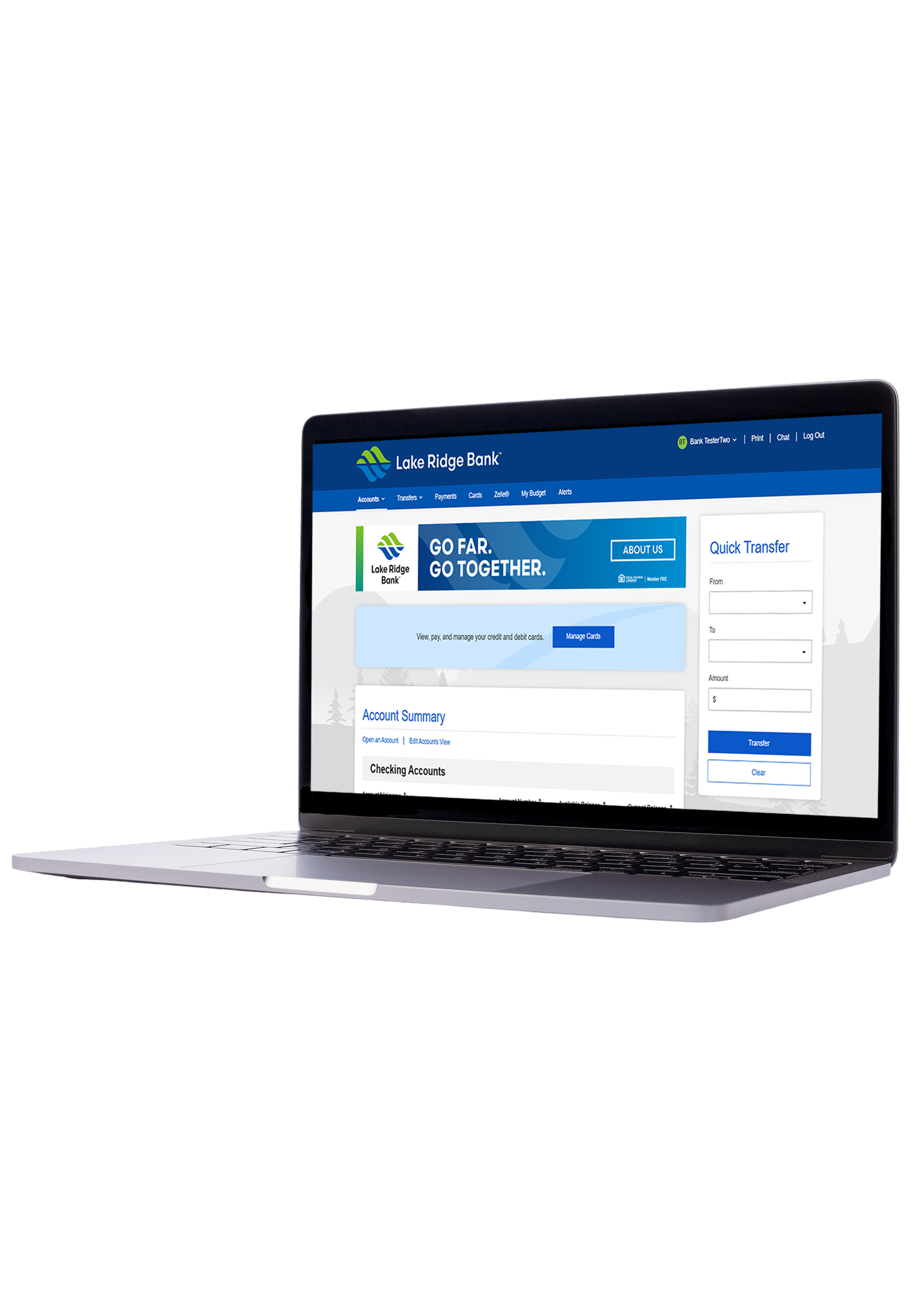
Try Our Demo

Everything You Need At Your Fingertips

account alerts icon

Account Alerts

Get real-time alerts to track balances, spot unusual activity, and stay in control. To sign up, log in to your account and select “Alerts” at the top of your screen. Then, choose the updates you’d like to receive

Access Account
bill pay icon

EDocuments

Access statements and notices online—securely, instantly, and without the paper clutter. To enroll, log in to your account, go to the Accounts tab, and select eDocument preferences.

Log In to Get Started
mobile banking icon

External Transfers

Move money securely between your Lake Ridge Bank accounts and your accounts at other U.S. financial institutions.

Watch Demo
zelle icon

Zelle®

Send and receive money in minutes with Zelle using just an email or U.S. mobile number. To sign up, log in to your account, go to Bill Pay and enroll. Once enrolled, you’ll select “Send Money with Zelle.”

Sign In Securely
bill pay icon

Bill Pay

Pay all your bills in one secure place. Schedule payments, set up eBills, and avoid late fees with ease.

Manage Bills
personal finance manager icon

Personal Finance Manager

Track spending, set savings goals, and build a budget that works for you. Access powerful tools to take control of your finances.

Explore Tool
Debt

Credit Sense

View your credit score anytime without impact, get alerts on changes, and see personalized tips to improve your score.

Start Here
Debt

Fraud Protection

Monitor your accounts and get real-time alerts to catch suspicious activity early and keep your finances safe.

Protect Now

New to Online Banking?

Frequently Asked Questions

Who can I send money to with Zelle?

Zelle® is a great way to send money to family, friends and people you are familiar with such as your personal trainer, babysitter or neighbor.(1) Since money is sent directly from your bank account to another person’s bank account within minutes (1), Zelle® should only be used to send money to friends, family and others you trust. If you don’t know the person or aren’t sure you will get what you paid for (for example, items bought from an online bidding or sales site), you should not use Zelle®. These transactions are potentially high risk (just like sending cash to a person you don’t know is high risk).

What are eDocuments?

eDocuments are digital versions of your account statements and notices. When a new eStatement or notice is available, you’ll receive an email letting you know it’s ready to view in Online Banking.

Can I use Zelle internationally?

In order to use Zelle®, the sender and recipient’s bank accounts must be based in the U.S.

How do I enroll in eDocuments?

Log in to Online Banking, Go to the Accounts tab and select eDocument Preferences, All eligible accounts will be listed, Under Delivery Method, choose Electronic Only. Note: If an account shows “Other” under delivery options, it is not currently enrolled. Need help? Call Customer Support at (608) 223-3000.

How do I receive money that someone sent me with Zelle®?

If you have already enrolled with Zelle®, you do not need to take any further action. The money will be sent directly into your bank account and will be available typically within minutes. If you have not yet enrolled with Zelle®, follow these steps:
  • Click on the link provided in the payment notification you received via email or text message.
  • Select Lake Ridge Bank.
  • Follow the instructions provided on the page to enroll and receive your payment. Pay attention to the email address or U.S. mobile number where you received the payment notification — you should enroll with Zelle® using that email address or U.S. mobile number where you received the notification to ensure you receive your money.

Banknotes Blog

View All Posts

Market Report: November 2026

Rock, Sand, or Gravel Many of us who attended Sunday school when we were kids remember a song titled “The Wise Man Built His House Upon the Rock,” that, believe it or not, can be
Read Post
Handsome man offering surprise

Turn Your Credit Card Rewards Points Into Visa® and Mastercard® Gift Cards
The holiday season is here, and your Lake Ridge Bank credit card rewards points can help make shopping a little easier! Whether you’re checking names off your holiday shopping list or treating yourself to something
Read Post
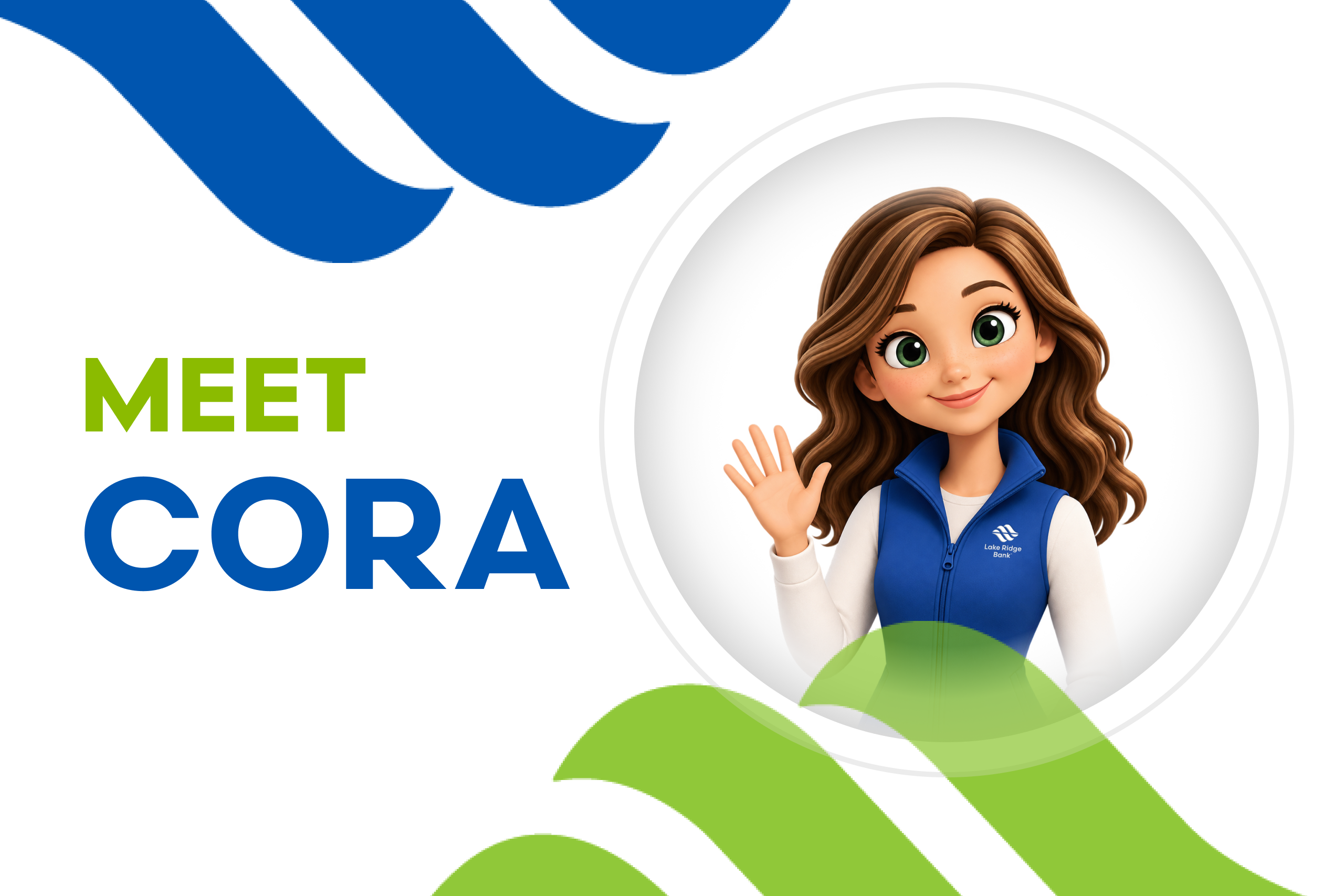
Meet Cora Lake Ridge Banks Online Resource Assistant

Meet CORA: Lake Ridge Bank’s Online Resource Assistant

At Lake Ridge Bank, we’re always looking for ways to make banking easier and more convenient for you. That’s why we’re excited to introduce Cora, our new AI-powered phone and chat assistant! Whether you have
Read Post
Meet Your Banker

Meet Your Banker: Ophelia Bailly

Ophelia BaillyAVP Card Services and Portfolio Manager608-310-12655515 Monona Drive, Mononaobailly@lakeridge.bank 1. What is your role at the bank? What are some things that you help bank customers with? Why might people interact with you at
Read Post