Personal Finance Manager

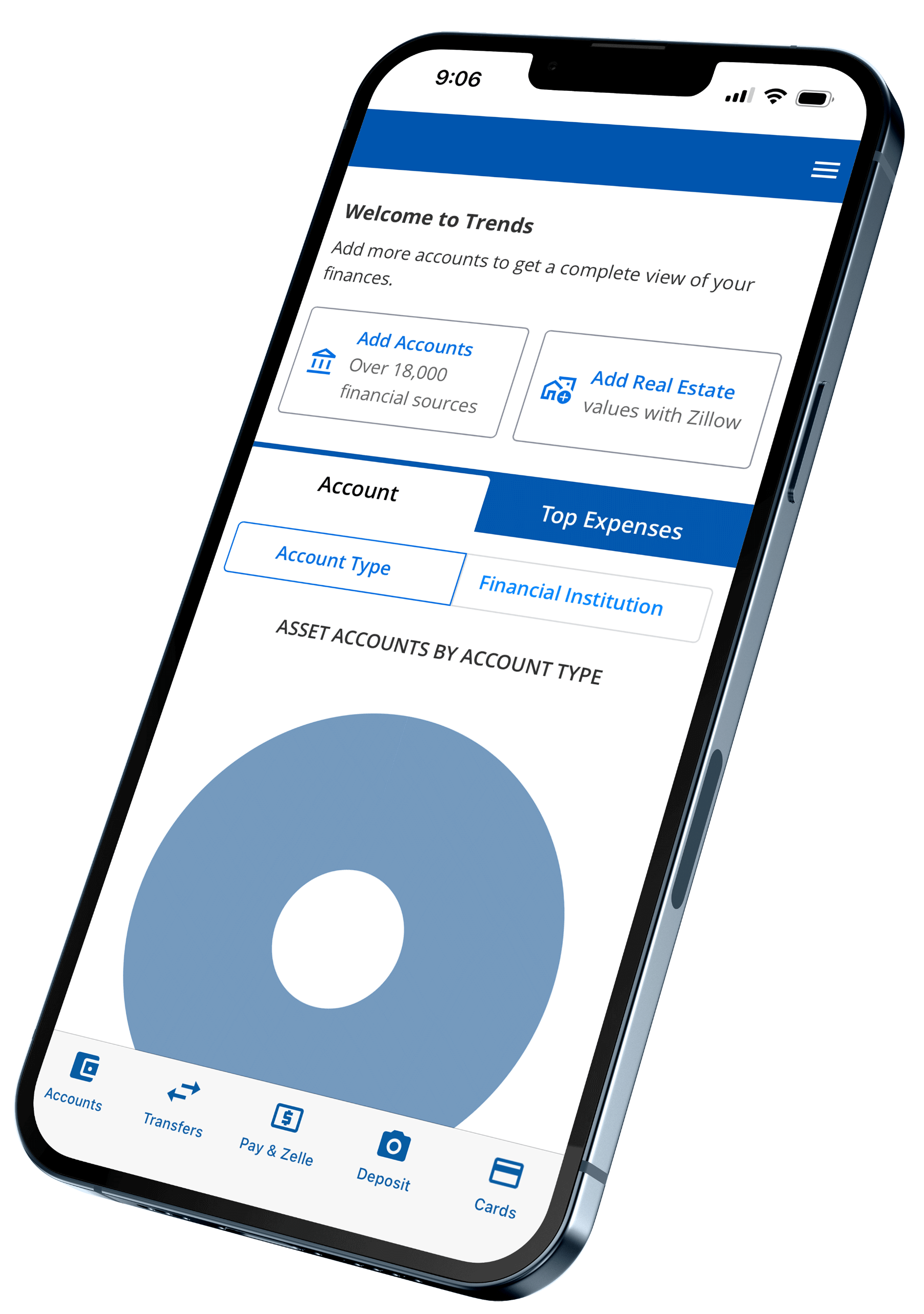
Our easy-to-use budgeting tool helps you track spending, monitor balances, set savings goals, and view all your accounts in one place.

Lake Ridge Bank Logo Top

Take Control of Your Budget

See your full financial picture by connecting all your accounts in one place. Track spending, manage your budget, and stay on top of your goals.

Checkmark

All Accounts in One View

Link checking, savings, credit cards, loans, investments, and more—even from other banks.

Checkmark

Quick Budget Setup

Create a budget in minutes and track spending automatically by category.

Checkmark

Insightful Charts

View income, expenses, and cash flow with easy-to-read graphs.

Checkmark

Savings Goals

Set goals, get alerts near limits, and monitor your progress.
Try Our Demo
personal finance managaer screen on the lakeridge bank mobile app

Part of Your Financial Toolkit

computer banking icon

Online Banking

Log in anytime to move money, pay bills, or check balances—all with a few clicks.

Explore Online Banking
mobile banking icon

Mobile Banking

Stay connected to your accounts on the go with an app that makes managing money effortless.

Download Now
personal finance manager icon

Credit Sense

Keep tabs on your credit score, get alerts on changes, and access personalized tips to improve it.

Check Your Score
bill pay icon

Checking

Choose a checking account that fits your life, with flexible features and no hidden fees.

Explore Accounts

Log In to Access Personal Finance Manager

Frequently Asked Questions

How do I enroll in Personal Finance Manager?

Just log in to Online Banking and click Budget in the main menu to get started. No separate sign-up is required.

Do I need to add my Lake Ridge Bank accounts manually?

No. All of your Lake Ridge Bank accounts are automatically included within the tool.

Can I add accounts from other banks?

Yes. In the Accounts section of your dashboard, click Add Accounts. If your institution isn’t listed, choose “Add an offline account” at the bottom of the window.

How far back does my transaction history go?

For Lake Ridge Bank accounts, you’ll see up to 365 days of transaction history. External accounts may vary depending on the other financial institution’s system.

What if a transaction is marked as ‘Uncategorized’?

Click on the word “Uncategorized” next to the transaction and select the appropriate category. You can also create your own by selecting Add/Edit Your Categories.

Banknotes Blog

View All Posts
grandma and granddaughter cooking

Top Savings Lessons Every Parent and Grandparent Should Teach Their Kids

Teaching children about money early is one of the best gifts parents and grandparents can give. Financial education builds confidence, responsibility, and lifelong success. This February, while love is in the air, take time to
Read Post
Middleton - University

Lake Ridge Bancorp Reports Record Net Income for 2025

January 30, 2026 (MADISON, Wis.) – Lake Ridge Bancorp, Inc. (OTCQX: LRBI), the parent company of Lake Ridge Bank, reported record net income for the year ended December 31, 2025. Financial Highlights Lake Ridge Bancorp reported record
Read Post
How we became Lake Ridge Bank

How We Became Lake Ridge Bank

In March, State Bank of Cross Plains and Monona Bank announced our Merger of Equals. We knew right from the start that one of the most important decisions we would need to make was what
Read Post

How to Make Banking Easier (and Safer): Sign up for ACH and Positive Pay

Using ACH and Positive Pay (for ACH or checks) through our online banking platform makes managing payments safe and seamless whether processing physical checks or handling payments electronically.
Read Post