

Per a 2017 survey commissioned by the American Bankers Association, two-thirds of Americans use mobile or online banking as the primary means of accessing their accounts, leaning heavily on smartphones and computers to pull up their bank information. Not surprisingly, perhaps, both devices are popular targets for online fraudsters itching to pilfer people’s personal data.
Can one of these devices better protect you from fraud than the other?
How Safe Is Online Banking on a Mobile Phone?
According to some data-protection experts, banking with a smartphone via an official mobile app provides more security than a computer. That’s because computers make it easier for users to inadvertently download malware. While no device is completely risk-free, mobile phone banking security can be strong when you use your bank’s official app, avoid risky networks, and keep your phone updated.
For some customers, especially those who are more accustomed to banking on a computer, using a mobile banking app may feel less familiar at first. The most common concern is usually access and security: Is the app safe? What happens if something goes wrong? How safe is online banking on a mobile phone compared to logging in from a computer?
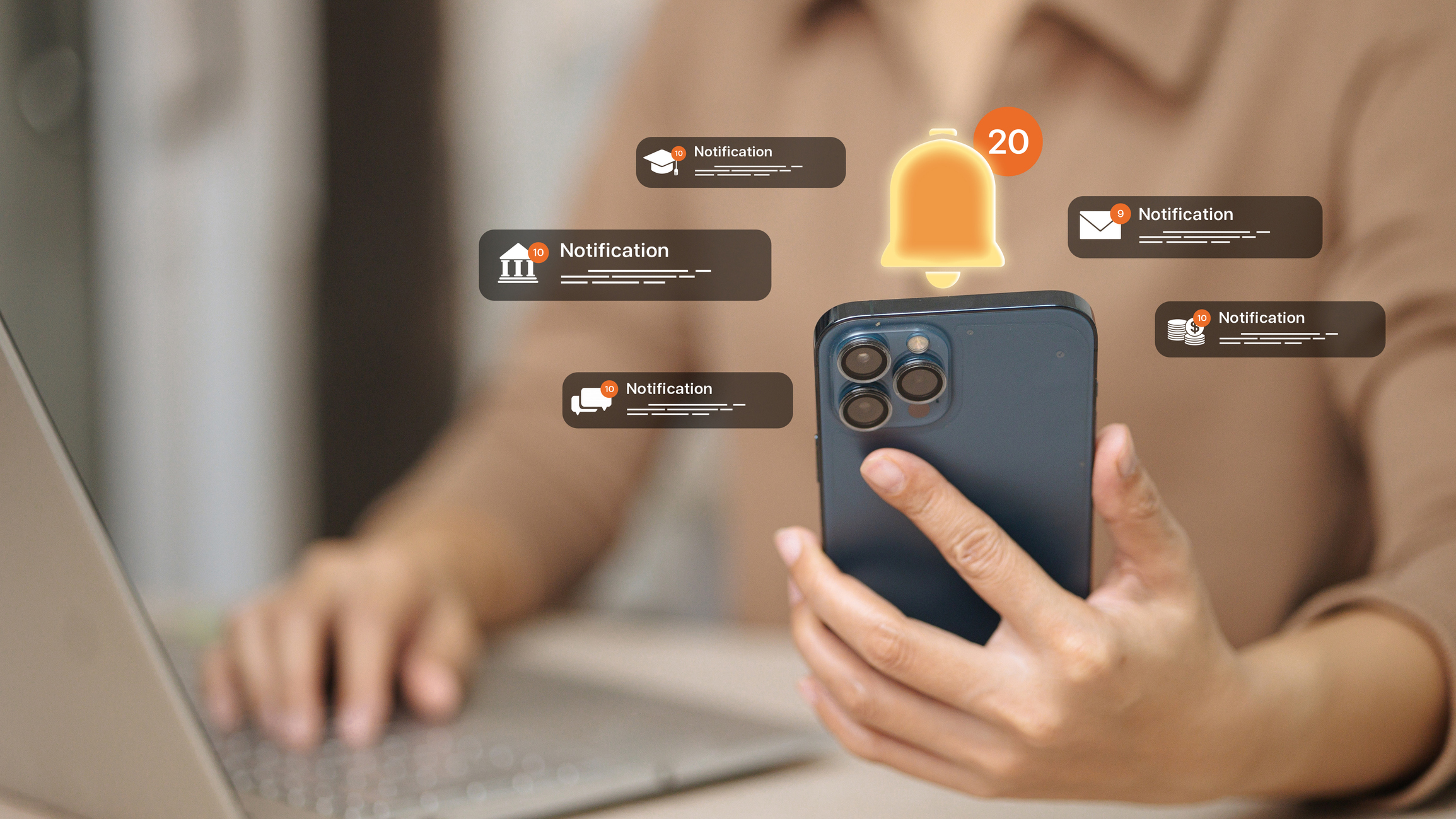
In many cases, what helps customers feel more comfortable is understanding the security features available through mobile banking. Account alerts, transaction notifications, and other real-time tools can help customers spot unusual activity faster, rather than waiting to notice an issue later. With the right setup and a little guidance, mobile banking can give customers more visibility and control over their accounts.
How Does Malware Put Online Banking Security at Risk?
Malware keylogger programs might be secretly installed on your computer as part of a download from a non-secure webpage. These programs record keystrokes when you enter your username and password on a bank site, then send that information to a hacker.
With mobile apps, users must manually agree to downloads from the device’s approved app store. That makes it harder to mistakenly download malicious programs that can spy on you while you’re banking.
Mobile Phone Banking Security Tips
Some advice: Avoid logging in to your bank account using public WiFi. You don’t know who has access to the network and whether they can view data that is sent. Using a cellular network is generally a better choice, and a secure, private network, ideally, your own home network, is better still.
Also, use the bank’s official mobile app rather than your phone’s mobile browser. There will be less chance of navigating to a fake bank site, where hackers trick you into submitting your passwords and other personal info, a scheme otherwise known as “phishing.”
If you are already logging into online banking through a browser on your phone, using your bank’s official mobile app may still offer added convenience and security. Browser access can be secure when you are on your own cellular data or a trusted private WiFi network, but apps are designed specifically for mobile banking.
One major benefit of banking apps is biometric login, such as facial recognition or fingerprint access, when available on your device. Instead of typing a password each time, biometric login uses your own identity to help verify access. That can make mobile phone banking security feel simpler and more personal, while still helping protect your account.
If using a smartphone for your banking needs, always remember the safety basics:
- Use a screen lock: others won’t be able to access your data if your device is stolen.
- Avoid using public WiFi while accessing accounts online.
- Stay up to date with software and security releases.
What Should You Do If You Think Your Phone Has Been Compromised?
If you think your phone has been compromised, contact your bank as soon as possible. The first step is usually to understand what prompted the concern. For example, is your phone acting strangely? Are you having trouble accessing it? Are you seeing unusual email activity, unfamiliar login attempts, or unauthorized transactions through online or mobile banking?
From there, the bank may review your account for unusual activity, such as unfamiliar login locations, unusual login timing or frequency, or transactions you do not recognize. If unauthorized access or transactions are found, the bank may disable online banking, terminate active sessions, help dispute unauthorized transactions, and determine whether the account needs to be closed and reopened.
In many cases, customers may also be asked to have the device professionally serviced or cleaned to check for viruses, malware, keyloggers, or other issues. Online access may not be re-enabled until the device has been reviewed and login credentials have been updated. If no unauthorized access or transactions are found, the next steps may simply include servicing the device, updating login credentials, and continuing to monitor the account closely.
Mobile banking can be a safe, convenient way to manage your accounts when you use trusted networks, enable security features, and stay alert to unusual activity. If something feels off, team up with your bank. Take advantage of two-factor authentication and sign up for fraud alerts. You and your bank can work together to help make sure your accounts are safe and protected.